

- Improved Battery Extends play time to 3 hours
- Direct Play via USB and SD card, Convenient for use While Traveling
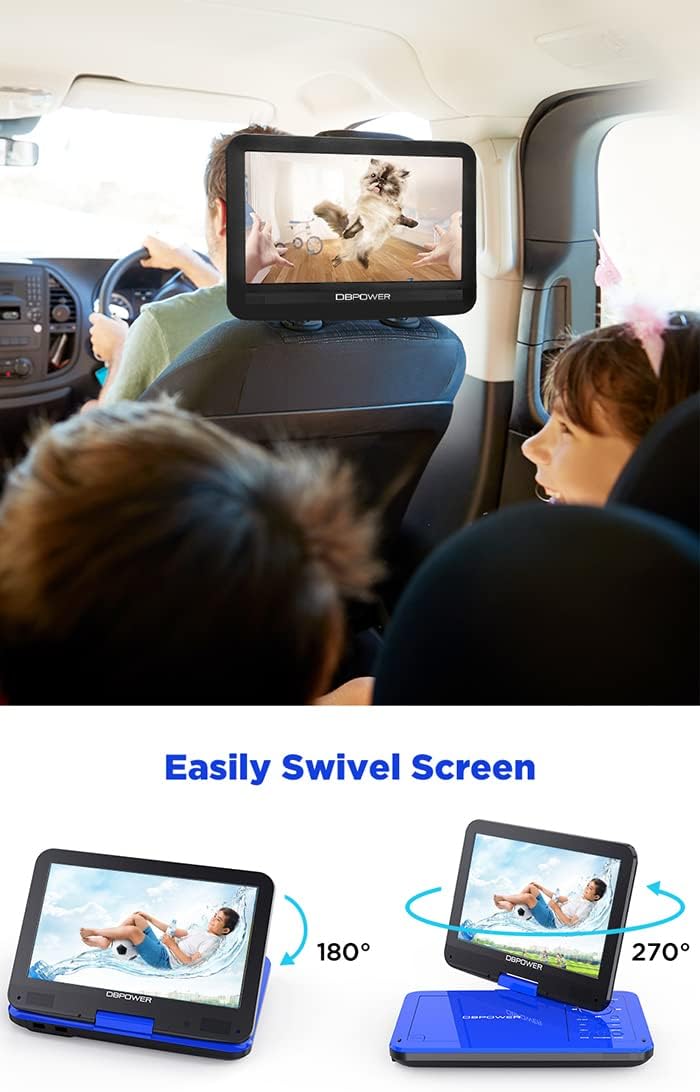
- Swivels and Rotates 360 Degrees for Easy and Perfect Visibility
- Shock Resistant
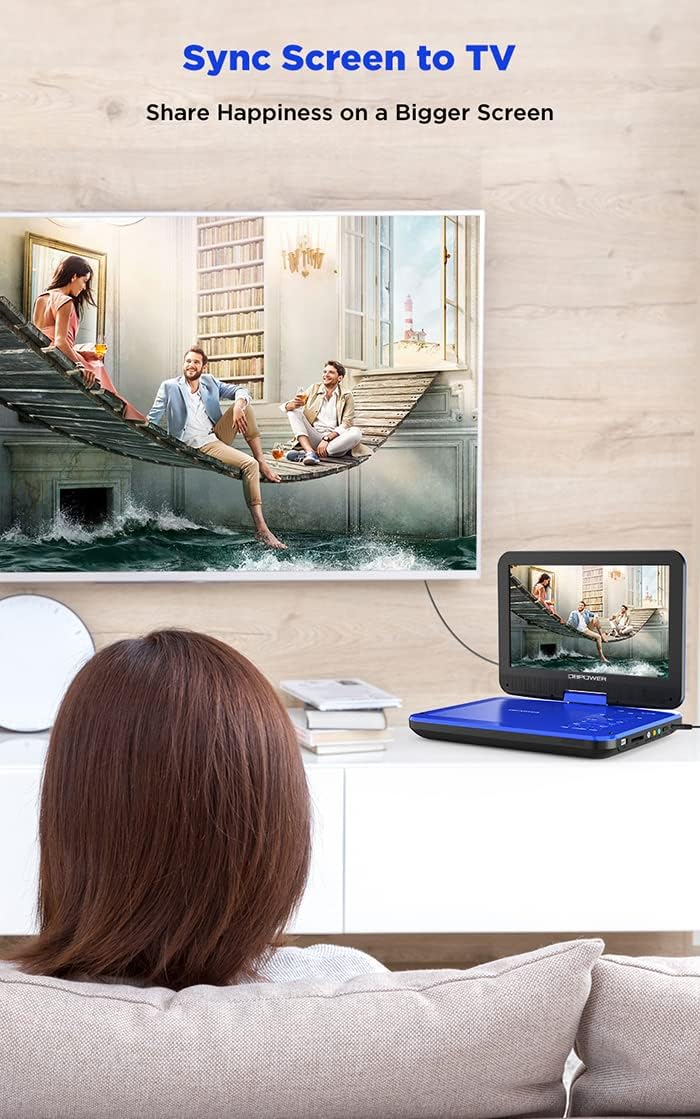
How to connect the projector or another player?
- Plug 3-1 AV cable in ‘AV OUT’ hole in DVD.
- Connect 3-1 AV cable with an AV cable (you need to buy separately). Then connect the plugs of the two wires to the corresponding colors.
- Plus the other side(black side) of the AV adapter into the ‘AV’ hole in your device.
- Change the device’s mode through into AV mode.
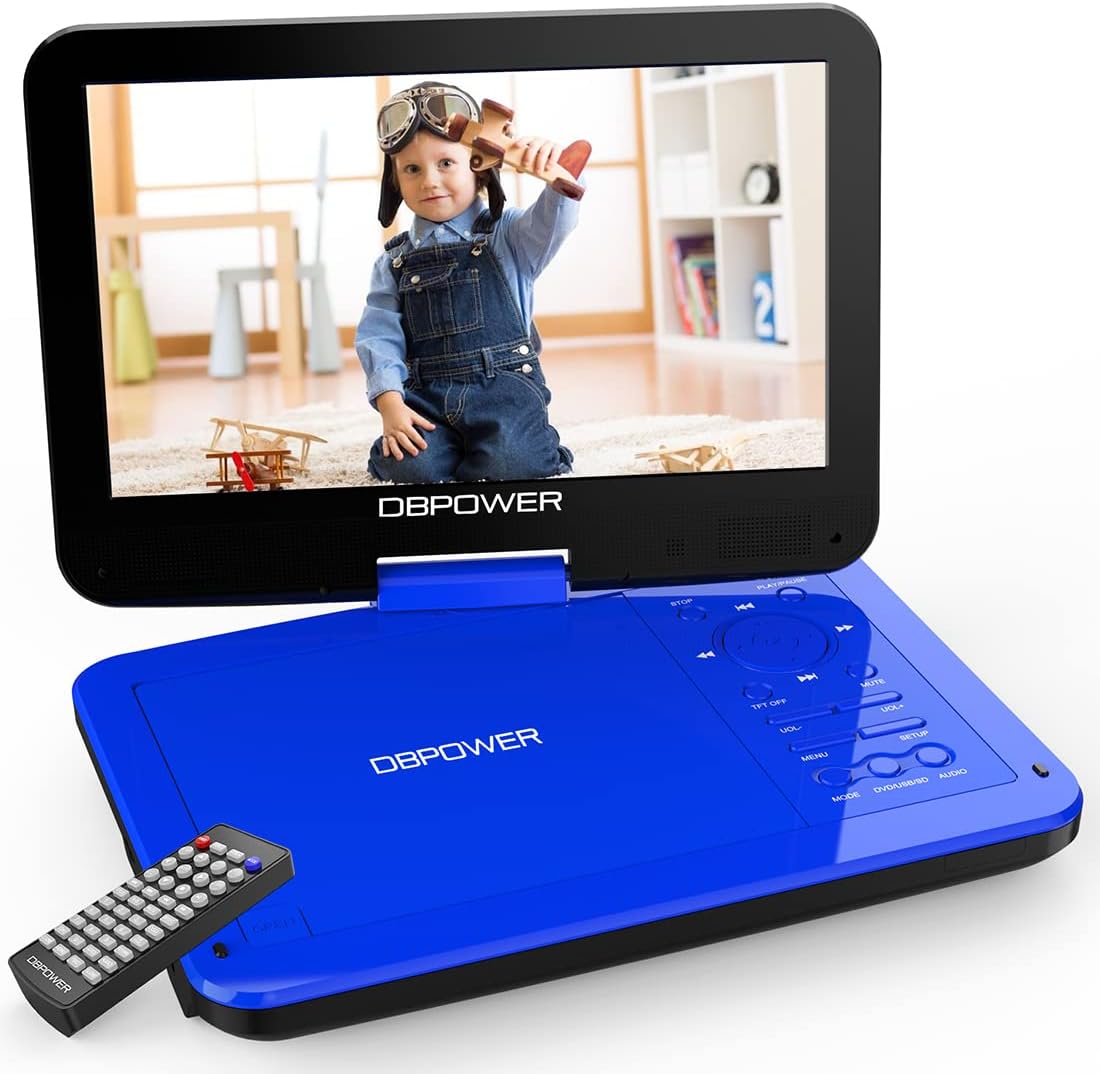
DBPOWER 10.5” Portable DVD Player
Format File Support:
- Disk-Formate: CD/DVD/CD-R/CD-RW/VCD/SVCD/CVD/DVD-R/DVD+R/DVD-RW/DVD+RW(Except for Blu-ray)
- Audio formats: MP3/WMA/OGG/AAC(Bit rates: 32-192kbps)
- Video-Formate: AVI/MPG/MP4/VOB/FLV/RMVB/MPEG1/MPEG2(Resolution no greater than 720*576)
- Image format: JPG
- Text format: TXT
Ultra-Compact Buttons and Remote:
- Supports setting 16:9 or 4:3 aspect ratio display for syncing the TV
- Supports playback: Fast Playback with Sound, High-Speed Search, Instant Advance, Instant Replay, Slow Playback with Sound, STEP Playback(FWD/REV), Zoom, etc.
- Supports setting show or hide the closed captions by [SUBTITLE]/[TITLE]
- Supports setting up the picture quality(SHARPNESS/BRIGHTNESS, CONTRAST/HUE/SATURATION)
Great DBPOWER Support Team:
- Just feel free to let us know any issues you have with our player
Warm Notice:
- Please avoid touching the laser lens.
- Do not use scratched or damaged discs.
- The “OK” button means “play”, “STOP” button
- It is normal if hearing a loud sound when reading a disc for the first 15 seconds.
- Please remove the disc and replace it with other discs if the DVD player shows “no disc”.
Package included:
- Portable DVD Player
- User’s Manual Guide
- Car Charger (DC9-12V)
- Power Adapter ((DC9-12V)
- Remote Control ( 2 AAA batteries are not included)
- AV cable ( 3.5mm, Connect player and TV / Projector )


Reviews
There are no reviews yet.